



In this article:
- Humaniser.ai
- Lorka
- AIHomeworkHelper.com
- Detector.io
- DetectMy.ai
- GPTVerify.com
- Which tool fits your workflow?
Freelance work gets messy fast. One tab has a half-finished draft. Another has notes from a client who changed the brief halfway through. A third has an AI output that is technically fine and still sounds like it was written by a polite machine.
That is why the current wave of top AI tools leaves room for doubt: which ones are worthy of becoming part of your workflow? The good ones do not pretend to think for you. They help you move a draft, a check, or a rough idea one step closer to done.
For this roundup, I looked at five tools that cover different parts of that process. One focuses on making stiff copy sound more natural. One helps with subject-based problem-solving. The other three look at AI detection from slightly different angles.
Together, they form a practical set for writers, freelancers, and creative people who need support without turning their day into app roulette.
Humaniser.ai
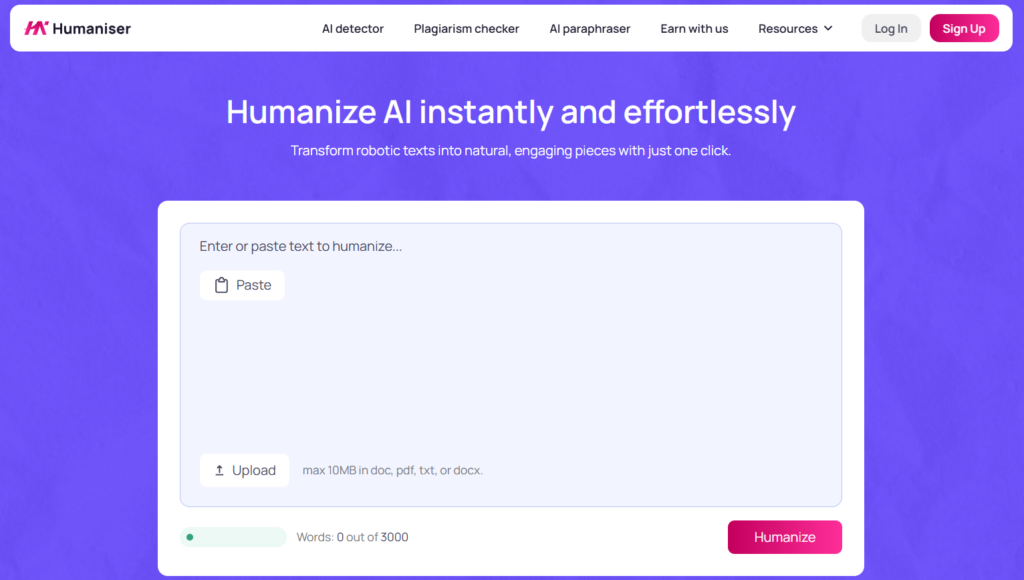
Humaniser.ai tackles an oh-too-familiar problem of your text sounding “off.” That can happen with blog intros, product blurbs, outreach emails, portfolio copy…you name it. You read the text once and think, yes, this is readable. You read it twice and realize no human would phrase it like that.
The AI humanizer free tool is built to rewrite AI-assisted text so it sounds more natural. You paste in the copy, run the rewrite, and get a version with looser phrasing and a more human cadence.
Humaniser.ai platform also includes an AI detector, a plagiarism checker, and a paraphraser, which makes the site more useful than a single-purpose rewriter. That matters when you are cleaning up a piece under a deadline and do not want five browser tabs open for one blog post.
You Deserve Better Clients...
We can help you find them. Just send us the details and we'll hunt down leads that match your business needs. All on autopilot.
I can see why this one keeps showing up in conversations around the best free AI tools. It fits the point in the workflow where a piece is almost usable but still feels off. The built-in extras make the tool easier to keep around, too.
Lorka

Lorka takes a different approach from the rest of this list. Instead of focusing on one job, it works as an all-in-one workspace that gives you access to several leading AI chat models, including Claude, ChatGPT, Grok, Gemini, Qwen, and DeepSeek, all under one subscription.
Beyond the chat models, Lorka also bundles in an AI image editor for quick visual touch-ups, an AI-powered web search for summarized research, a chat-with-PDF tool for digging through documents, an AI translator, and its own AI humanizer. For freelancers and creative people who lean on AI at every stage of a project, not just for producing a first draft, that combination cuts down on the number of tabs and subscriptions you need open at once.
What stood out most when trying it out was how easy it is to switch models mid-project without losing context. I used one model to brainstorm ideas, then switched to another to tighten up the wording, all in the same thread, with no re-explaining or exporting notes in between. That back-and-forth is where Lorka earns its keep compared with single-purpose tools.
Lorka is not a dedicated design or writing tool, so do not expect templates or drag-and-drop editors here. It suits someone who already juggles a few AI tools and wants a simpler, cheaper way to keep them in one place. Pricing starts at $19.99 a month, positioned as a lower-cost alternative to paying for each model separately.
AIHomeworkHelper.com
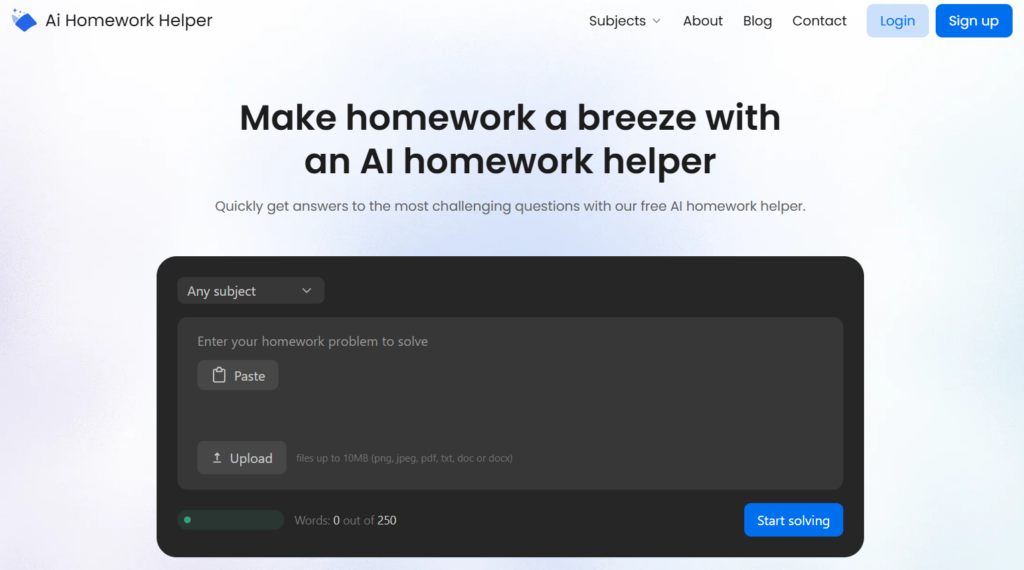
AIHomeworkHelper.com can become a godsend for people who deal with homework assignments more often than they’d wish to. It can easily be called a favorite among AI tools for students. Plenty of creative professionals are taking courses, building skills, or trying to understand a technical topic without losing an afternoon to confusion.
The site accepts questions in several formats, including typed prompts, images, and PDFs. If a problem lives in a screenshot or a worksheet, you can move straight to the answer path instead of retyping everything first.
The platform also covers a wide range of subjects, including math, chemistry, biology, history, and statistics, plus a dedicated physics AI solver for users dealing with formulas, problem sets, and worked examples.
What makes the platform more useful than a blunt answer box is the step-by-step approach. When a tool shows how it arrived at a result, it gives the user something to work with. It is about understanding enough to keep going on your own.
The site is free to use and does not require sign-up. You don’t have to create your twenty-seventh account of the week to solve one urgent problem.
Detector.io
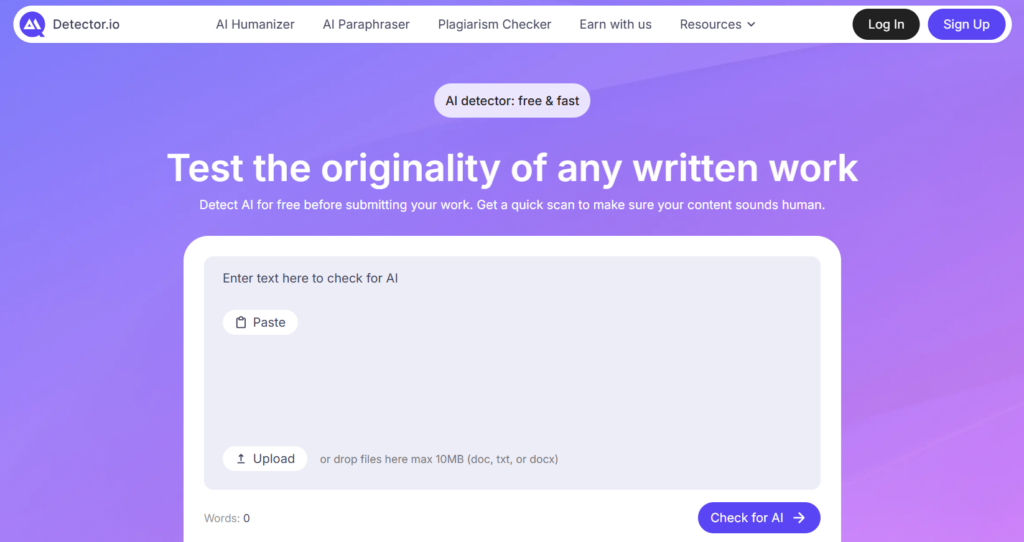
Detector.io is the kind of tool you open when you do not want a whole production. You have a draft (something a little too polished for your taste), and you want a quick gut check before it goes anywhere. That can be helpful for editors reviewing blog posts, agencies checking outsourced copy, or students making sure their paper does not read strangely formal.
The tool can scan up to 3,000 words per check, and it highlights the passages that appear AI-generated. That second part matters. A raw score is not enough if you still have to guess where the problem lives. Highlighted sections give you something concrete to revise.
You can run a check, spot the parts that may need attention, and decide what to fix without digging through a wall of analysis. That kind of quick and actionable feedback should be a must in today’s popular AI tools. I hope the current tech moves along in the right direction.
DetectMy.ai
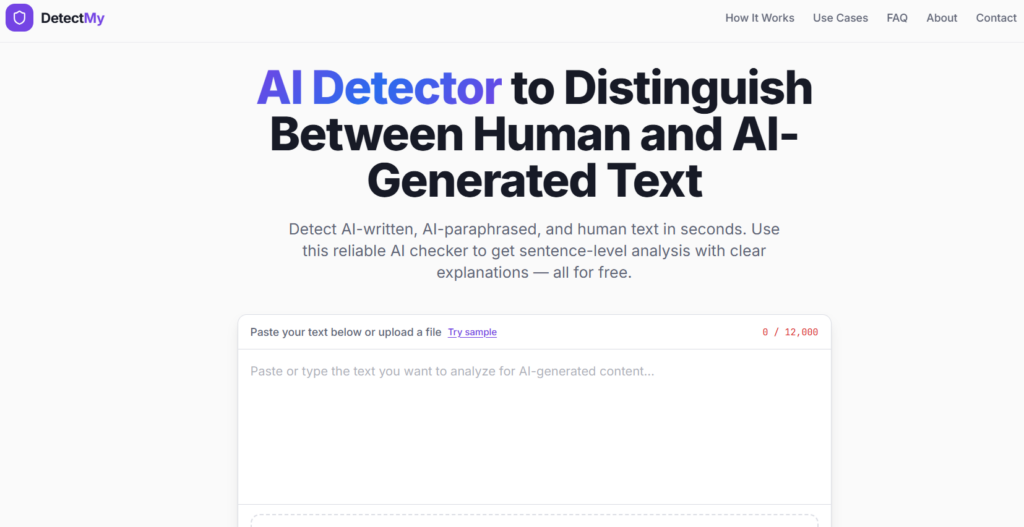
DetectMy.ai takes a more granular approach. It does not stop at a general verdict. It sorts text sentence by sentence into human-written, AI-generated, and AI-paraphrased categories.
That extra distinction is useful because plenty of modern drafts are mixed. A person writes part of it, runs part through a rewriter, edits the result, and ends up with something that sits in the middle.
The platform also keeps access easy – you won’t face a sign-up wall. Moreover, the tool supports file uploads, and it can analyze up to 12,000 characters per scan. That makes the tool easier to trust when the piece is too long for stingy free limits and too important to leave to a fuzzy guess.
DetectMy.ai stands out among the most popular AI tools in this corner of the market because the feedback is usable. It does not just point a finger at the whole draft. It shows where the texture changes. For editors and writers, that is the difference between a warning and a revision plan.
GPTVerify.com

GPTVerify.com leans into explanation. Similar to the previous pick, it breaks down why a sentence looks suspicious by looking at syntax patterns, transition habits, vocabulary behavior, passive voice, and other statistical signals. That makes the tool more helpful for users who care about details and want more control over the checks.
The site also supports scans of up to 25,000 characters – here, you get more room than when using many other lightweight detectors. That alone makes it great for long blog posts, essays, white papers, and article drafts that would be annoying to split into chunks.
Besides, GPTVerify analyzes text in real time and discards it after the result is generated, which is relevant for freelancers handling client work or unpublished material.
There is a reason this platform made it to my free AI tools list for writers and editors. Longer drafts need context, not just a verdict. GPTVerify is built for that slower, more careful check.
Which tool fits your workflow?
The answer depends on where your friction shows up:
- Humaniser.ai helps soften robotic wording before a client or reader sees it.
- AIHomeworkHelper.com explains problems instead of tossing back a naked answer.
- Detector.io gives you a quick signal when time is tight.
- DetectMy.ai shows you the signs of mixed authorship.
- GPTVerify.com offers deeper analysis for long-form work.
Still can’t decide which one is best for you personally? Well, you don’t have to settle on one option. These five picks do not cover the same ground, and that is exactly why they work well together for modern writing, editing, and study support.
One more thing...
You didn't start freelancing to spend hours every week searching through job boards. You started freelancing to do more work you enjoy! Here at SolidGigs, we want to help you spend less time hunting and more time doing work you love.
Our team of "Gig Hunters"—together with the power of A.I.—sends you high-quality leads every weekday on autopilot. You can learn more or sign up here. Happy Freelancing!