

In this article:
- Time Tracking & Productivity Tools (Digital)
- Career Direction & Work Alignment Tools (Digital)
- Financial & Payment Management Tools (Digital)
- Client & Contract Management Tools (Digital)
- Marketing, Personal Branding & SEO Tools (Digital)
- Learning & Career Development Tools (Digital)
- Physical & Workspace Tools (Physical)
- Security & Backup Tools (Digital + Physical)
- Conclusion
For freelancers, using the right digital and physical tools is important for both daily work and long-term career growth.
Besides communication and project management tools that freelancers commonly use, there are also other tools that support productivity, finances, and organization. These tools help freelancers adapt to changing professional demands and develop their careers independently.
Time Tracking & Productivity Tools (Digital)
Freelancers often work across several clients and platforms, which makes time tracking an important part of managing income and workload. Many freelance platforms, such as Upwork and Freelancer, offer built-in time tracking for platform-based projects, but these tools are limited when freelancers also work with direct clients or on independent projects.
In such cases, separate time tracking tools help keep all work hours recorded in one place. Tracking billable hours supports fair pricing, clear invoicing, and better understanding of how time is spent on different tasks.
Productivity features such as reports and time summaries also help freelancers plan workloads more realistically and maintain a healthier work-life balance. Tools like Toggl and Clockify are widely used for tracking time across clients and projects.
Career Direction & Work Alignment Tools (Digital)
Career direction and work alignment tools help freelancers make practical decisions about what type of freelance work suits them best. Freelancers often need to choose a niche, decide which services to offer, or evaluate whether a project fits their skills and working style.
These tools help analyze personal strengths, weaknesses, interests, and preferences, such as whether someone works better with creative tasks, analytical work, independent projects, or client-facing roles.
For example, a freelancer choosing between content writing and digital marketing can use self-assessment results to compare required skills with personal abilities and interests. Such tools also support career planning by identifying skill gaps and suggesting areas for improvement, helping freelancers focus their learning efforts and avoid unsuitable work paths.
You Deserve Better Clients...
We can help you find them. Just send us the details and we'll hunt down leads that match your business needs. All on autopilot.
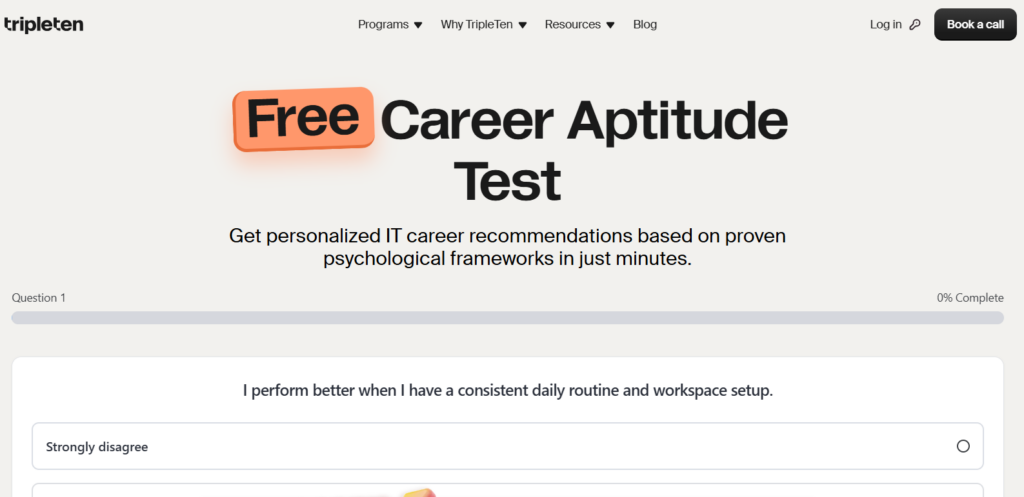
An example of such a tool is TripleTen’s Free Career Aptitude Test, a career quiz that provides personalized IT career recommendations based on proven psychological frameworks in just minutes.
Financial & Payment Management Tools (Digital)
Financial and payment management tools are used to organize invoicing, payments, and financial records for freelance work. They support consistent billing practices, clearer financial tracking, and more structured handling of income and expenses across different clients and projects.
Key features and how they support freelance work:
- Invoicing and billing: create professional invoices, define payment terms, and track paid or unpaid invoices.
Income tracking: monitor earnings across multiple clients and projects to maintain an overview of cash flow. - Expense tracking: record business expenses to support budgeting and tax preparation.
Online payment processing: receive payments securely from local and international clients, including multi-currency transactions. - Financial reporting: generate summaries to review earnings and spending over time.
Examples of commonly used tools in this category include PayPal, Wise, and QuickBooks.
Client & Contract Management Tools (Digital)
Freelancers usually begin work by agreeing on terms with a client. Contracts and proposals make these terms clear and put expectations in writing. They describe what work will be done, when it should be delivered, and how payment will be handled. Having this information documented reduces confusion later and gives both sides a clear reference.
Digital contract tools also make it easier to store and organize agreements. Freelancers can quickly check past contracts when questions come up or when working with repeat clients. E-signature features allow documents to be signed online, which saves time and avoids delays, especially when clients are in different locations.
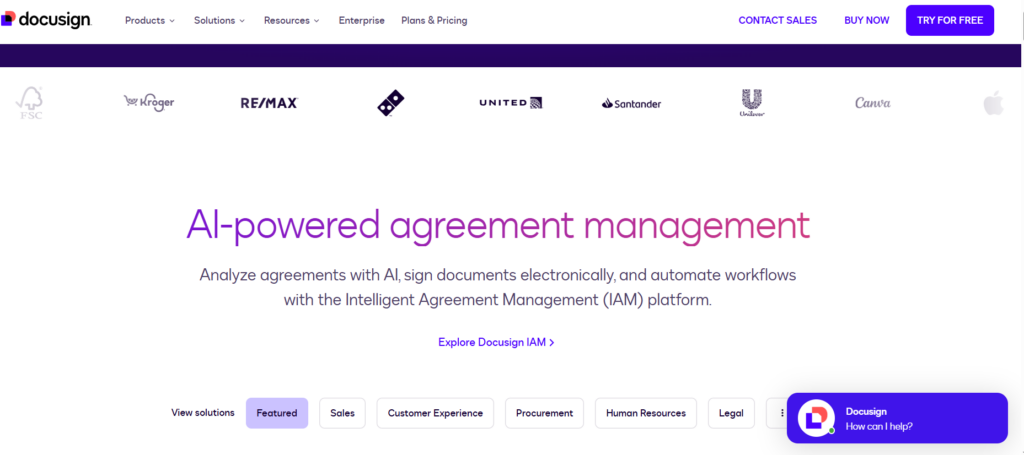
Keeping contracts and client details in one place leads to more consistent communication and smoother collaboration. Examples of tools commonly used for this purpose include DocuSign and Bonsai.
Marketing, Personal Branding & SEO Tools (Digital)
Marketing, personal branding, and SEO tools are used by freelancers to present their work professionally and increase visibility among potential clients. These tools are closely connected and usually work together rather than separately.
Personal Websites and Portfolios
Personal websites and portfolios act as a central place where freelancers present their skills, services, and previous work. For freelancers who need a simple website quickly, AI-based website builders can be used to generate basic layouts and content with minimal effort. These options are suitable for beginners or freelancers who want an online presence without technical complexity.
For more professional needs, advanced website builders and portfolio platforms allow greater customization, better control over design, and more detailed presentation of work. Tools commonly used for this purpose include AI website builders (e.g. Durable AI) for simple setups, as well as professional platforms such as WordPress, Webflow, Wix, Behance, or GitHub Pages, depending on the freelance field.
Online Visibility & SEO
SEO is used when a freelancer has a personal website or portfolio and wants potential clients to find their services through search engines. This includes organizing website content clearly, using service-related keywords, and maintaining pages that describe services and experience.
Link building is part of this process and includes links from professional profiles, portfolio platforms, industry directories, or guest articles on relevant websites.
Website performance and visibility are commonly monitored using tools such as Google Search Console and Google Analytics, while keyword research and backlink analysis are handled with tools like Ahrefs and SEMrush. When SEO and outreach activities become more advanced, link acquisition and guest posting may be organized through professional link building platform.
Social Media Presence
Social media platforms are used to maintain an active professional presence and stay visible to clients over time. Freelancers share work updates, experience, and industry-related content, while also directing visitors to their websites or portfolios.
Platforms such as LinkedIn, X (Twitter), Instagram, and Facebook Pages are commonly used, sometimes alongside scheduling tools like Buffer or Hootsuite.
Learning & Career Development Tools (Digital)
Freelancers often need to learn new tools, improve existing skills, or expand into related areas as client expectations and industry standards evolve.
Online courses and certifications provide structured learning that can be completed alongside freelance work, making it easier to gain practical knowledge without formal education programs.
These tools are also used to follow industry trends, explore new technologies, and understand changes in demand, which helps freelancers make informed decisions about future specializations or services.
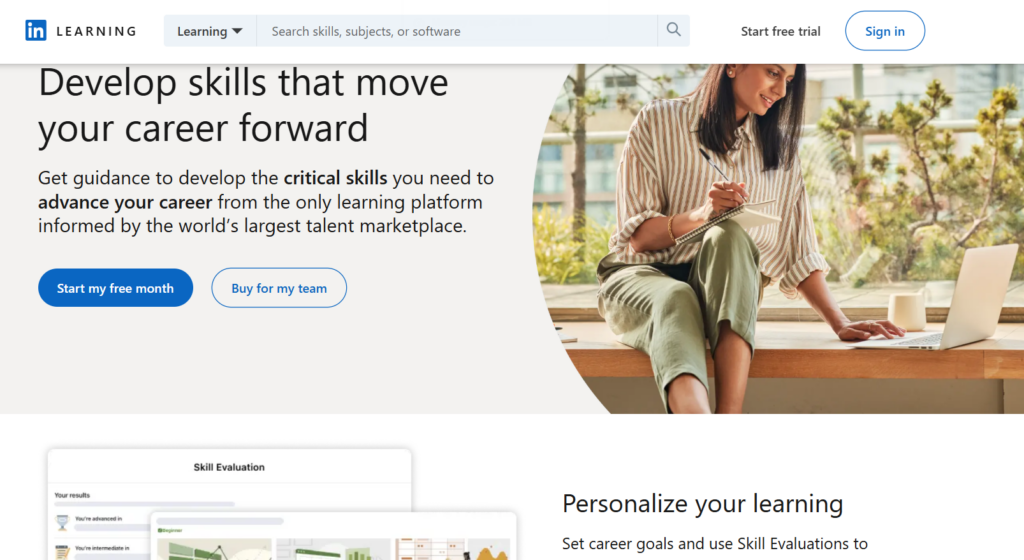
Common platforms used for learning and professional development include Coursera, Udemy, and LinkedIn Learning.
Physical & Workspace Tools (Physical)
As a freelancer, you may also need to consider physical and workspace equipment that shapes your daily working environment. A well-set workspace influences comfort, focus, and organization, especially when working long hours from the same location.
Ergonomic Desk and Chair
Ergonomic desks and chairs are used to maintain proper posture and reduce physical strain during extended periods of work. Adjustable desks make it possible to alternate between sitting and standing, while ergonomic chairs provide support for the back and neck throughout the day.
Options include standing desks such as FlexiSpot or Fully, as well as ergonomic chairs from brands like Herman Miller or IKEA.
Monitor and Input Devices
Monitors and input devices affect how comfortably freelancers work, particularly in fields that involve long screen time such as design, coding, or data-related tasks. Larger or dual-monitor setups support multitasking, while ergonomic keyboards and mice reduce strain on hands and wrists.
Monitors from brands like Dell or LG can be paired with input devices from Logitech or Microsoft.
Notebooks, Planners, and Whiteboards
Physical planning materials are often used for brainstorming, note-taking, and outlining ideas away from digital screens. Many freelancers prefer writing plans by hand during early project stages or for daily task organization.
Available options include notebooks such as Moleskine, desk planners, or wall-mounted whiteboards.
Printer and Scanner
Printers and scanners are mainly used when freelance work involves physical documents, including signed contracts, official forms, or printed materials for review. Although many freelancers work digitally, access to printing and scanning equipment can still be useful in specific situations.
Printer and scanner devices from brands such as HP or Canon are typically used in these cases, especially when freelancers rely on consistent printing for documents or repeated tasks. In such situations, using original toner or ink cartridges can help maintain print quality and prevent slowdowns, while non-original alternatives may reduce performance and interrupt workflow over time.
Security & Backup Tools (Digital + Physical)
Freelancers usually store important files, passwords, and project data on personal devices, which makes both digital and physical protection necessary.
Digital security tools include password managers (e.g.1Password) that store login details securely and help avoid weak or repeated passwords. Cloud backup services are also digital tools and are used to automatically save files online, making it possible to recover data if a laptop is lost, damaged, or infected with malware.
Physical backup tools are used to keep copies of data offline and independent from internet access. External storage devices such as external hard drives, SSDs, or USB flash drives allow freelancers to store backups separately from their main computer. This is useful when working with large files, during travel, or in cases where cloud access is limited or unavailable.
Using both digital and physical security measures creates an additional layer of protection and reduces the risk of permanent data loss.
Conclusion
As freelance work continues to evolve, new tools and platforms appear frequently, making it important to stay informed and adaptable. Being aware of these tools allows freelancers to work more confidently, protect their work, and improve how they collaborate with clients.
Looking ahead, the future of freelancing will likely depend even more on smart tool choices and the ability to adjust to new technologies.
One more thing...
You didn't start freelancing to spend hours every week searching through job boards. You started freelancing to do more work you enjoy! Here at SolidGigs, we want to help you spend less time hunting and more time doing work you love.
Our team of "Gig Hunters"—together with the power of A.I.—sends you high-quality leads every weekday on autopilot. You can learn more or sign up here. Happy Freelancing!